Built for Groups Who Value Accuracy, transparency and ease of use
Track shared expenses with the ease of Splitwise and the rigour of a real ledger. Multi-currency, full audit trail, no subscription required. SplitGuru was created to solve the common challenge of managing shared expenses with accuracy and openness.
How get to started
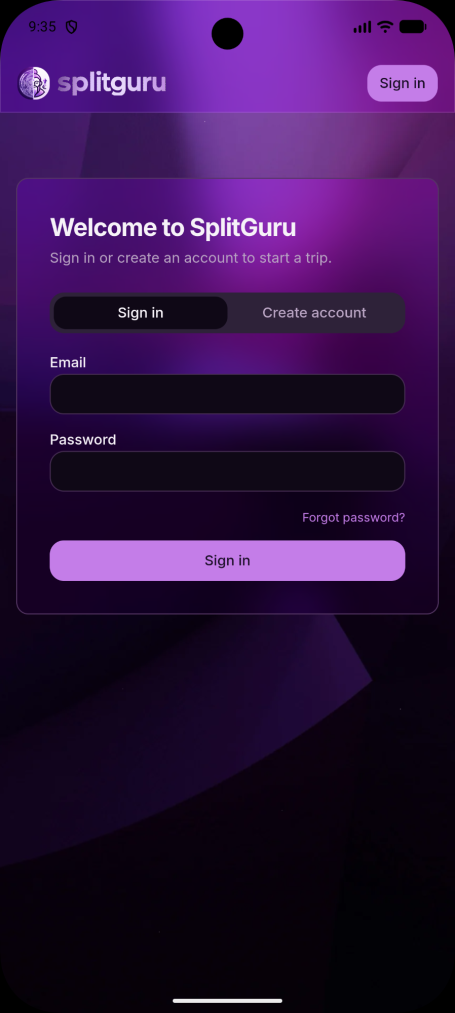
1. Create an Account or Sign In
Create a new account, or sign in using your email address if you have already been invited to a group.
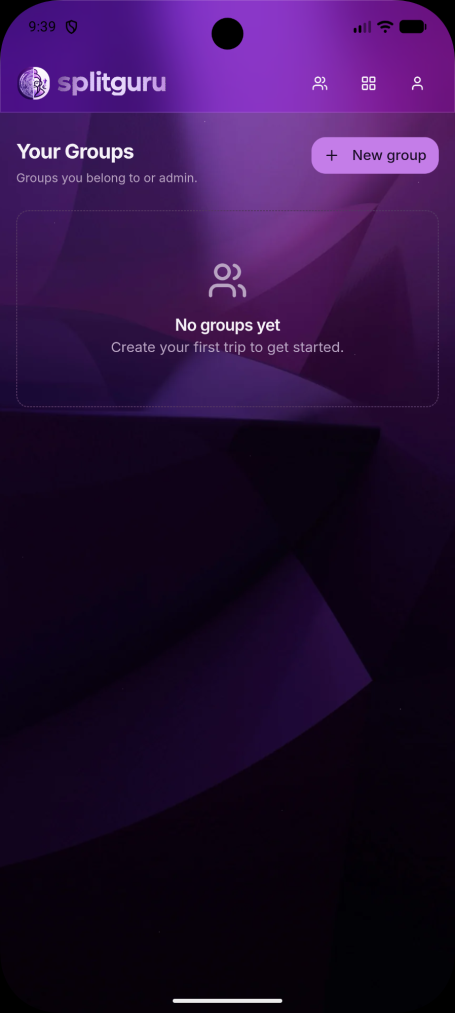
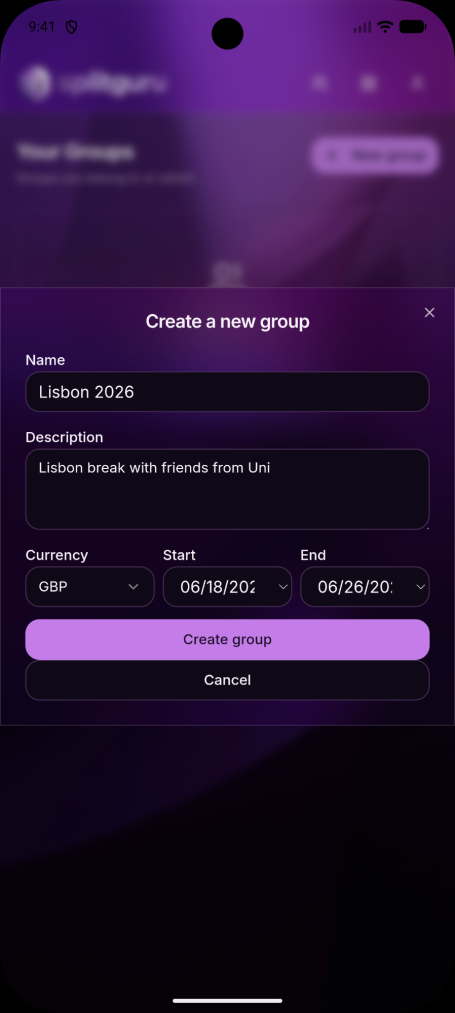
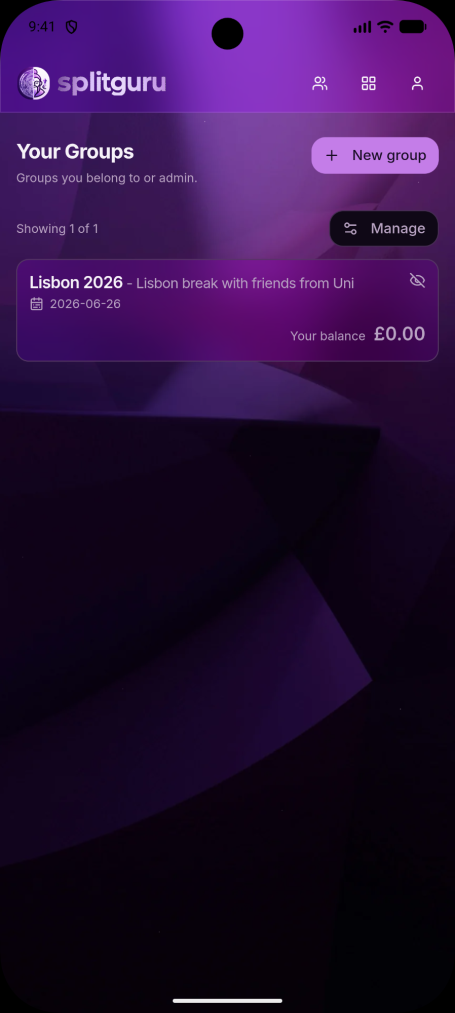
2. Create or Select a Group
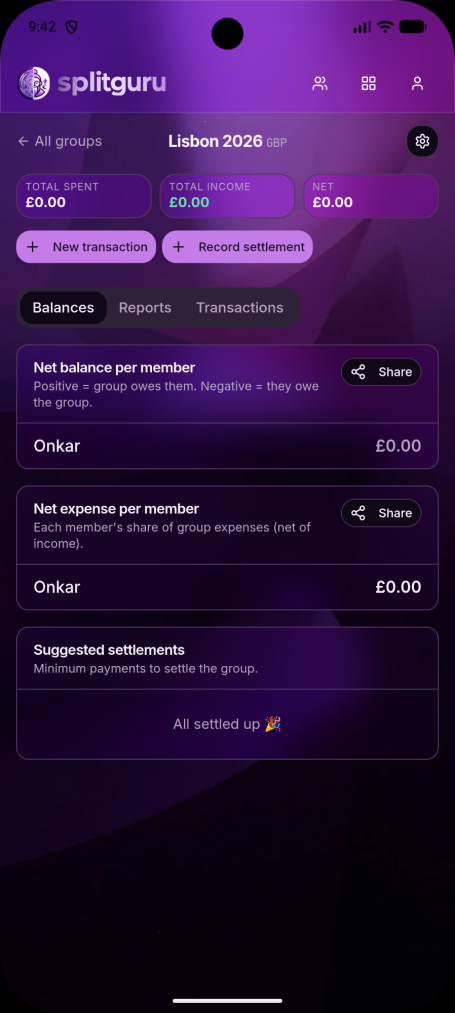
After signing in, you'll see a list of your groups. If you're a new user, create a group to start tracking expenses and settlements.
3. Add Group Members
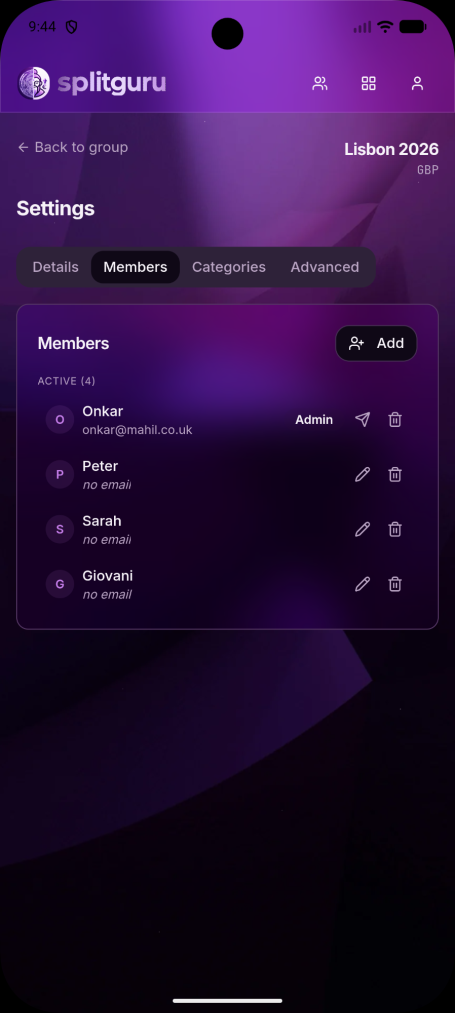
Open your group and select the Settings icon to manage members.
To add someone as an offline member, simply enter their name.
To invite someone to use the app, enter their email address. They'll receive an invitation to join the group and will be able to view, add, and edit transactions.
4. Manage Categories
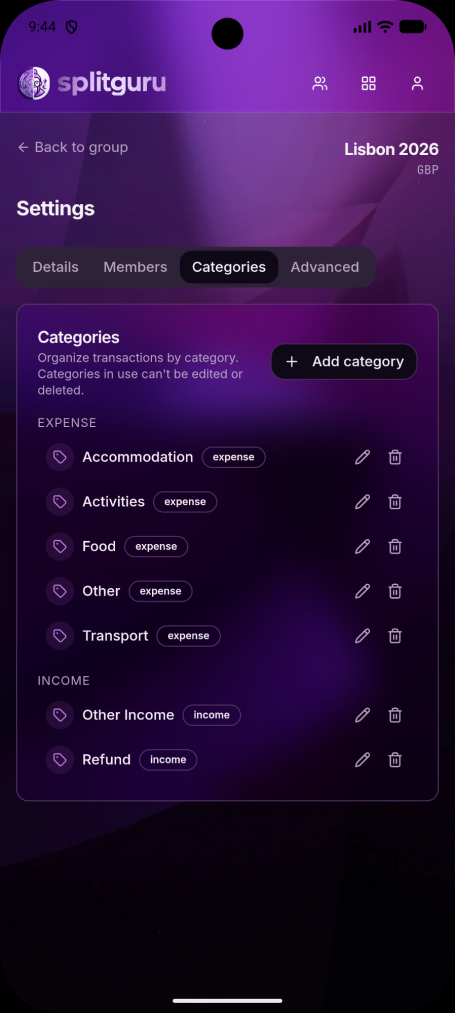
The app includes a set of default income and expense categories to help you get started.
If you need additional categories, open the Categories tab and create your own custom categories.
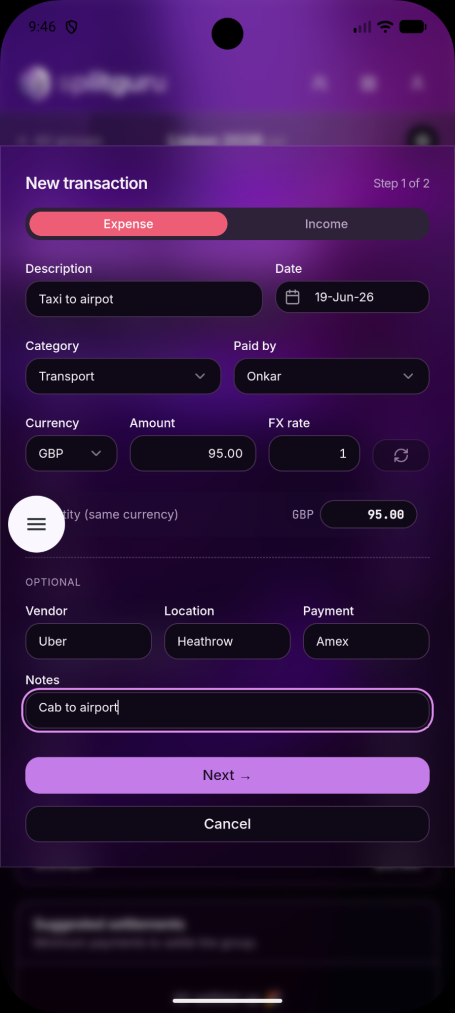
5. Start Recording Transactions
Once you've added members and set up your categories, return to the group page and begin entering transactions and settlements.
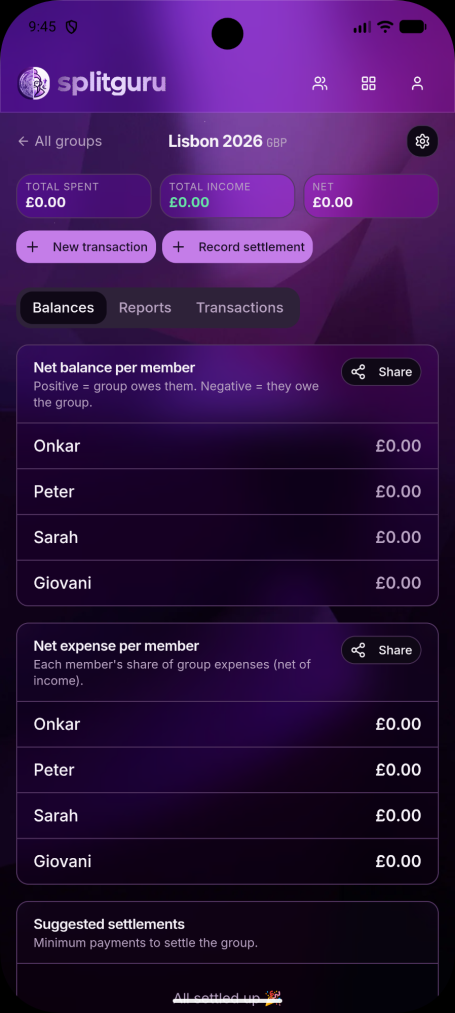
6. Track Balances Automatically
As transactions are added, balances are updated automatically, giving you an instant view of who owes money, who is owed money, and how much.
7. View Member Details
Select any member to see a detailed breakdown of their balance, including:
Payments they have made
Their share of group expenses
Settlements made between members
Outstanding amounts owed or due
This makes it easy to understand exactly how each balance has been calculated.